We use essential cookies to make our site work. With your consent, we may also use non-essential cookies to improve user experience, personalize content, and analyze website traffic. For these reasons, we may share your site usage data with our analytics partners. By clicking “Accept,” you agree to our website's cookie use as described in our Cookie Policy. You can change your cookie settings at any time by clicking “Preferences.”
LSA Digital
Vibe coding, the human way

Got an idea for how AI could help your job? Let's actually build it.

Six to twenty-four weeks. Two senior engineers, one-on-one. The thing that's been sitting on your wish list. Your tool, your users, shipped.

See the curriculum
Built by engineers with shipped production workYour project, your curriculum
Real-archetype person (mid-30s ops manager, accountant, or small-business owner) at their desk, smiling, looking at a working tool on their screen with their teammate over their shoulder. Editorial, natural light, candid. Not stock-AI.

Outcomes our archetype students ship

Sally · accountant

“I rebuilt my month-end close as a real tool in week four. My team gets the report Friday afternoon now instead of Monday morning.”

Marcus · ops manager

“Shipped a route-planning tool the dispatchers actually use. Nine ‘wouldn't it be cool ifs’ down to one in production.”

Composite outcomes based on the archetype students described below.

Who this is for

You don't need to be a founder. You need an idea and a Sunday afternoon.

We work with accountants, ops managers, small business owners, founders, students, and side-project builders. Anyone with a friction in their week and the urge to fix it themselves. No coding background required, no minimum ambition. If you have an idea and want to start, you're who we built this for.

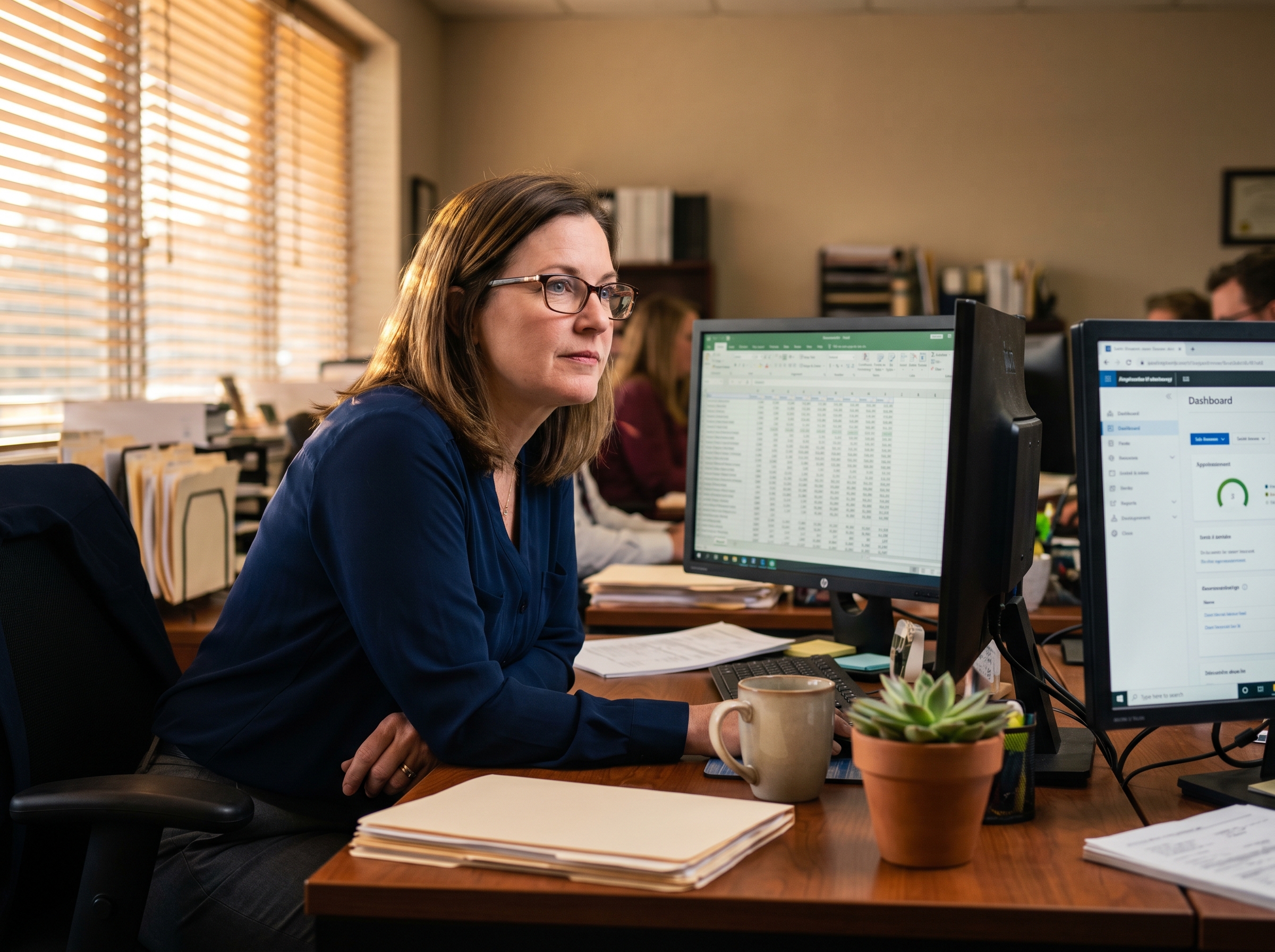
Mid-40s woman accountant at her desk, two monitors, glasses on, quietly determined. Spreadsheet visible on one screen. Editorial.
Real archetype

Sally

Senior Accountant, mid-size firm

“I have an Excel monstrosity I rebuild every month-end. Engineering won't touch it until 2027. I just want it to stop eating my Sundays.”

What we do: Wants to automate a recurring report her team uses. Has tried ChatGPT, hit a wall the moment it asked about a database.
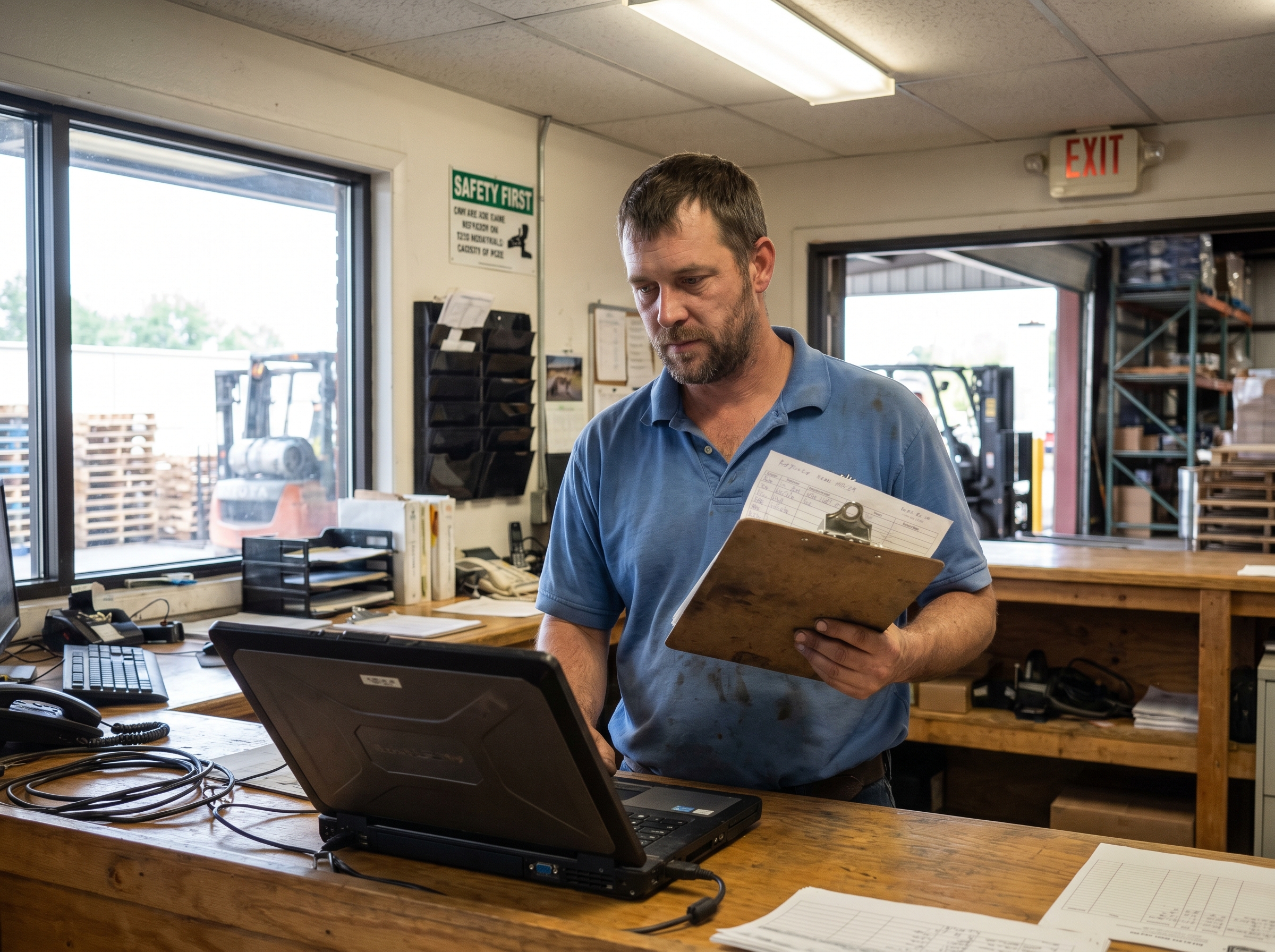
Late-30s man in a warehouse / dispatch office, clipboard, looking at a laptop. Practical, no-nonsense. Editorial.
Real archetype

Marcus

Operations Manager, regional logistics

“I have nine 'wouldn't it be cool if' tools nobody will ever build. I'm done waiting. I just want one of them done so I can show the team it's possible.”

What we do: Has a backlog of small internal tools nobody on the eng team will get to. Wants to ship one and prove the model.

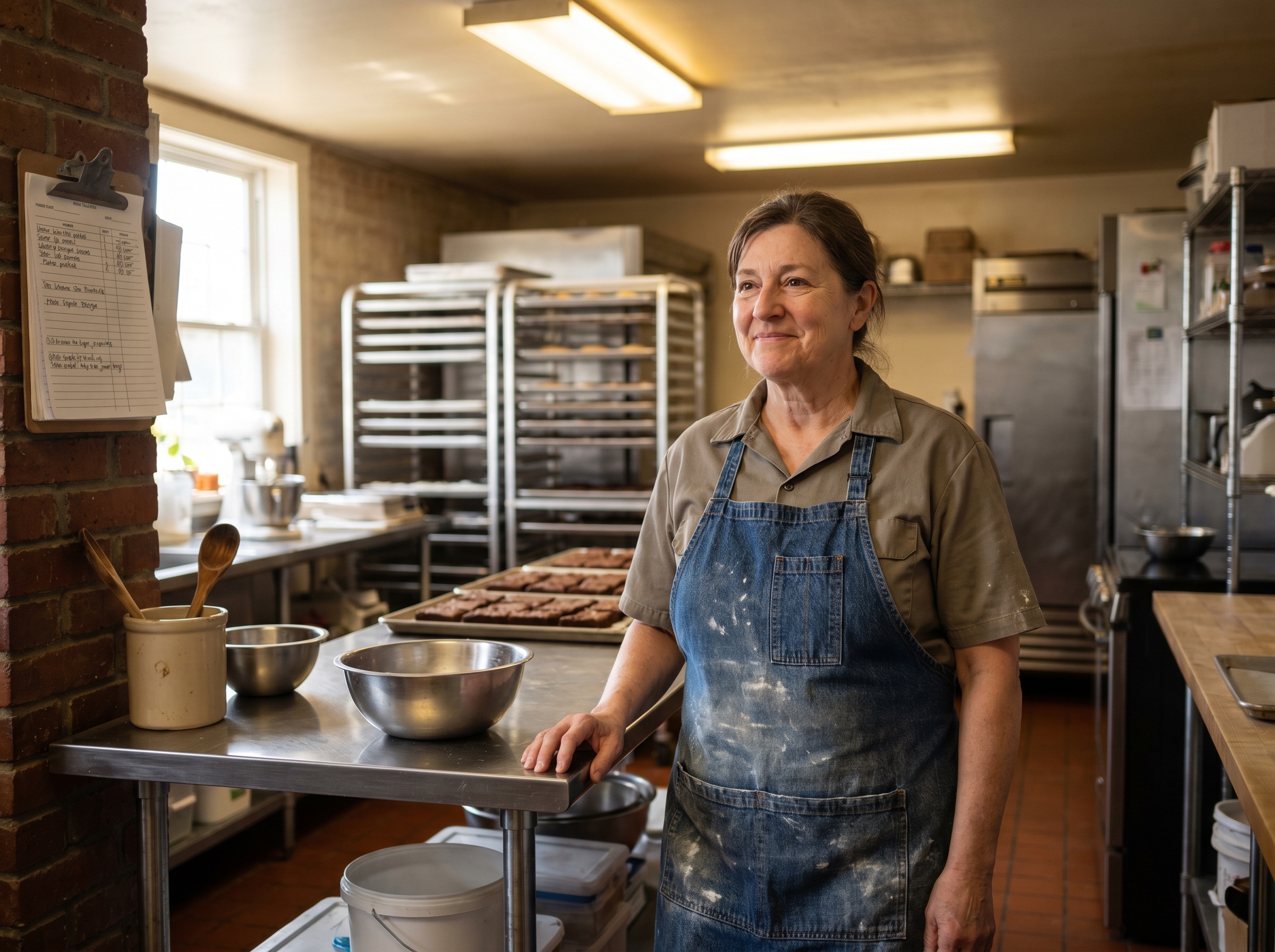
Small business owner, late-50s, in a small commercial kitchen / shop floor with product around. Apron, warm. Editorial.
Real archetype

Diane

Owner, family-run wholesale brownie company

“I run inventory in a spreadsheet on a laptop I'm afraid to drop. There's gotta be a better way. I'm not going to hire a software firm for this.”

What we do: Runs a small business. Has an idea for an internal tool. Doesn't want to hire an agency, doesn't know where to start.

What you walk away with

Not a certificate. A working tool you actually use.

We don't hand out completion badges. We help you finish the one thing you've been meaning to build, and leave you with the muscle memory to keep going.

01

A working tool

Not a demo. Not a prototype that dies on your laptop. Something your team uses, in your real workflow.

02

Real user feedback

Your end users touch it from session two, not session six. We design from your grandma's perspective, not the engineer's.

03

The playbook to keep going

You leave knowing which tool to reach for, how to scope the next thing, and how to ship without us in the room.

04

The confidence

You stop saying "I'm not technical." You start saying "I built that." That part is harder to measure and matters more than the rest combined.

The thing other courses skip

Your real users touch it from session two. Not session six.

Most vibe-coding training stops at “you built a thing.” That's where the actual work begins. We design from the perspective of the person who has to use what you build: your accounting team, your warehouse staff, someone who's never opened your tool before. If they can't use it, you ship it again.

Step 01

Session 1 · Scope

Who is the real user? What is the smallest thing they'd touch this week? Which tool fits you?

Step 02

Session 2 · Build & Ship

You build a working version. Could be ugly. By end of session, one real user has it on their screen.

Step 03

Every session · Feedback in, feedback out

Each week opens with "what did your user say?" and ends with "what do they need next?"

Step 04

Iterate · UX first, always

If someone who's never opened your tool can't use it, we ship it again. We pull on real UX moves, not just the engineer's perspective.

Step 05

Final · A v1 your users rely on

You walk away with the tool, the playbook, and the muscle memory to keep going without us.

Steps two through four loop every single week. Your users are part of the team.

Three ways to start

Start small. Grow into the package that fits.

Most students begin with the $199 Kickstart, a single session to scope the idea and pick the right tool. If we're a fit, the full $199 credits toward whichever package you upgrade to.

Kickstart

A single session to scope your idea, pick the right tool, and walk away with a plan.

$199one-time

100% credit if you upgrade to a package within 30 days.

90 min · 1:1
  • We figure out the right tool for you. Cursor, Claude Code, Replit, Lovable, Codex, whichever fits
  • We scope the smallest possible thing your users could touch this week
  • You leave with a written plan and your environment set up
Most chosen

Standard

Four hours of one-on-one each week, across six weeks. The classic path.

$1,600flat for the full course

8, 12, and 24-week durations also available. We'll quote yours in the discovery call.

4 hr / week · 6 weeks
  • 24 total hours of one-on-one with Keith and Mike
  • Real users touching your tool from session two
  • Custom curriculum built around your project, not a playlist
  • A working v1 your team actually uses by week six

Intensive

Sixteen hours per week. For the project that needs to ship in weeks, not months.

From $5,000custom-quoted

Best fit for 6, 8, or 12 weeks. Priced for the project, not the hour.

16 hr / week · 6+ weeks
  • Sixteen 1:1 hours every week. Full immersion
  • Direct access to both Keith and Mike, all program long
  • Best fit for students with a real deadline and a real project
  • Often crosses into vibe-engineering territory by the end

What a week looks like

A real Standard week. Not a hand-wave.

Four hours of one-on-one with us. Some build time on your own. Real users in the loop the whole way through. Here's a sample week from a Standard student in week three of a process-improvement project.

Always-on between sessions

  • Slack and email for stuck moments. We respond same business day.
  • Your real users in the loop every week, not just at the end.
Week 3 · Standard student
Sample only
Mon

Day 01

User feedback came in over the weekend. You read it before our first call of the week.

Tue

Day 02

We meet for a couple of hours: walk through the feedback together, pick what to change, build the change with your AI tool while we coach.

Wed

Day 03

Heads-down day. You keep building or stay on your day job. Stuck moments go to Teams or Slack and we respond same business day.

Thu

Day 04

We meet again to ship the change. Your users reload, you watch the moment land, and we zoom out: what did this week teach you?

Fri

Day 05

You watch your users actually use it before next week. Notes feed straight into next week's rhythm.

The arc

Same shape, scaled to your duration.

Whether you pick six weeks or twenty-four, the loop is the same. Longer durations get deeper polish, more user iterations, and more features in your v1.

Six weeks

The fast path: one tool, shipped.

For students with one specific friction to fix. We pick the tightest possible scope, ship a v1 by week three, polish through week six. Your users have it on their screen for half the program.

Best fit: a single internal tool. Recurring report, one-off automation, internal form replacement.

Twelve to twenty-four weeks

The deep path: tool, polish, the next thing.

For students with a bigger project, or for those who finish the first tool and realize the second one matters too. Same loop, just more iterations and deeper polish. Often crosses into vibe engineering territory by the end.

Best fit: a real workflow rebuild, multi-user tools, or building skill across two or three connected tools.

Proof we've lived this

Engineers with twenty-five years of shipped software.

We aren't pretending we invented vibe coding. We learned it alongside the rest of the world. The difference: we did it on top of twenty-five years of real software experience each. Here's what that looks like.

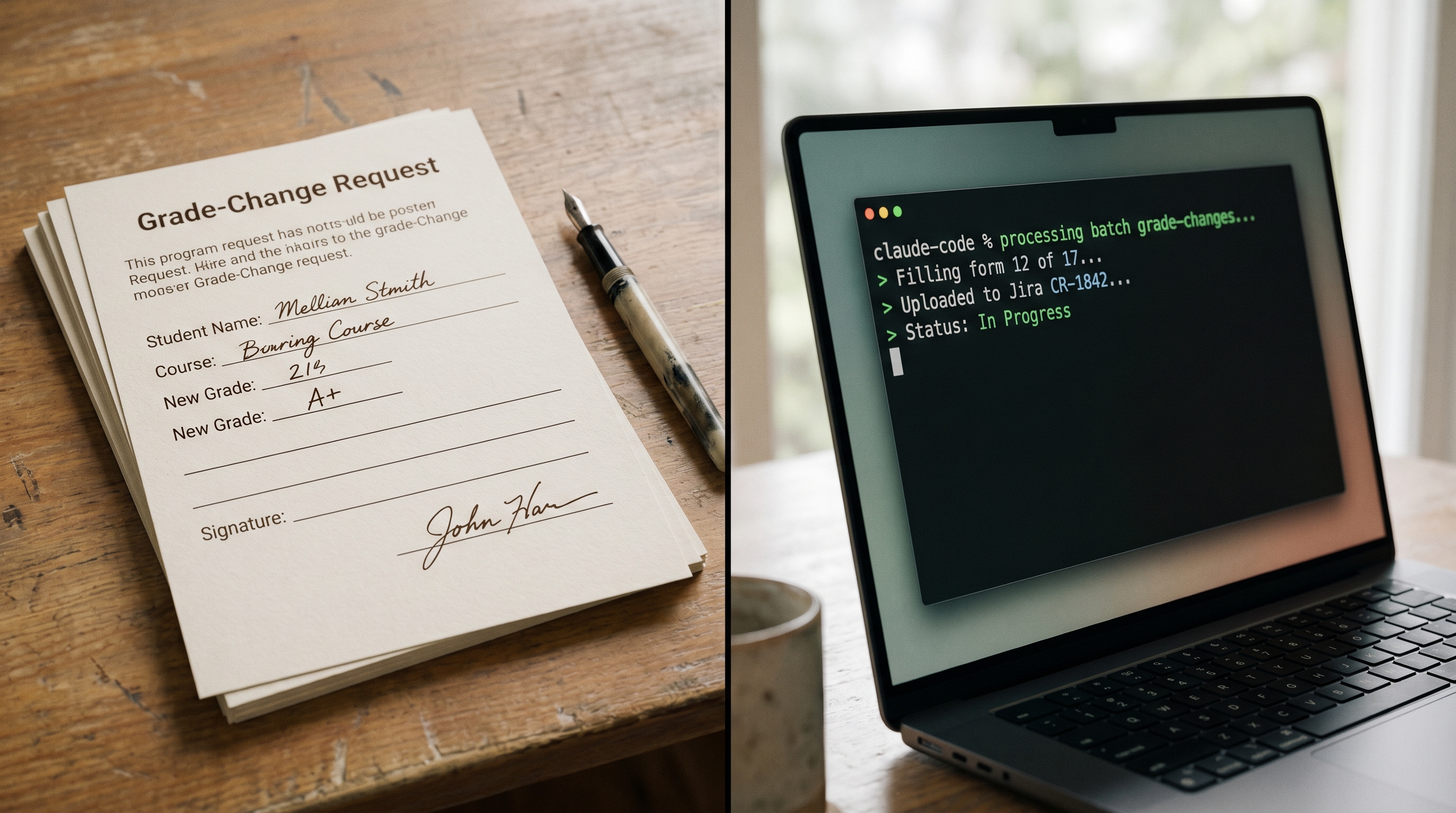
Stack of completed PDF forms next to a terminal with Claude Code output, screen split. Document workflow visual.

Keith's playbook from this week

17 grade-change forms in 30 minutes

A school department needed seventeen multi-page PDF grade-change forms filled out, signed, and submitted as Jira tickets. Took me thirty minutes with Claude Code. Walking through exactly what I told it, what failed, and how to do it yourself.

Read the writeup
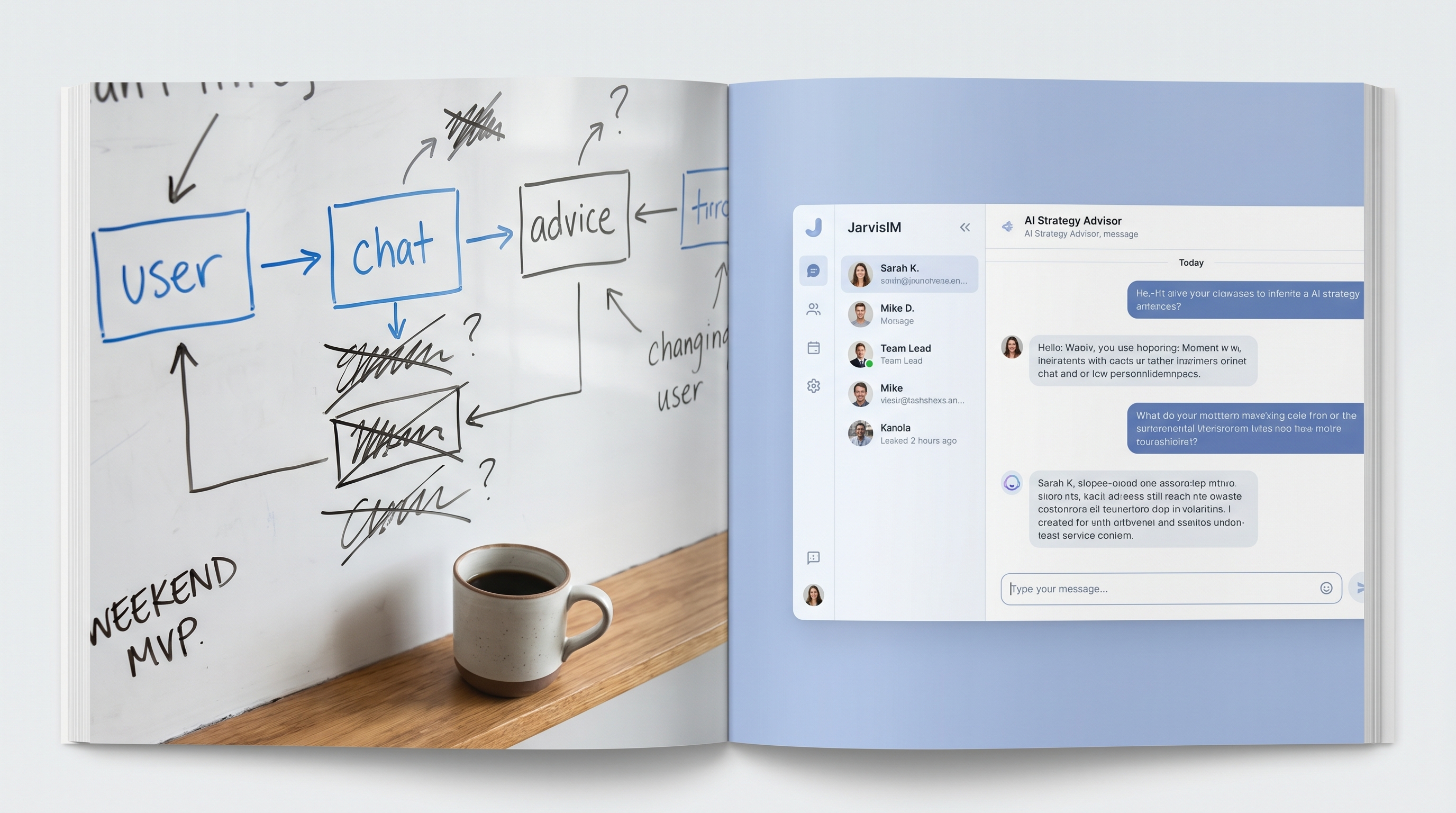
Before/after split. Left: weekend MVP whiteboard sketch. Right: clean multi-user JarvisIM app screenshot.

How LSA lived this transition

JarvisIM: from vibe-coded MVP to multi-user platform

We vibe-coded the first version of our own AI strategy advisor in a weekend. Then we hit the wall every single student will hit. Multi-user state, real auth, embeddings that don't time out. Here is how we crossed it.

Read the journey
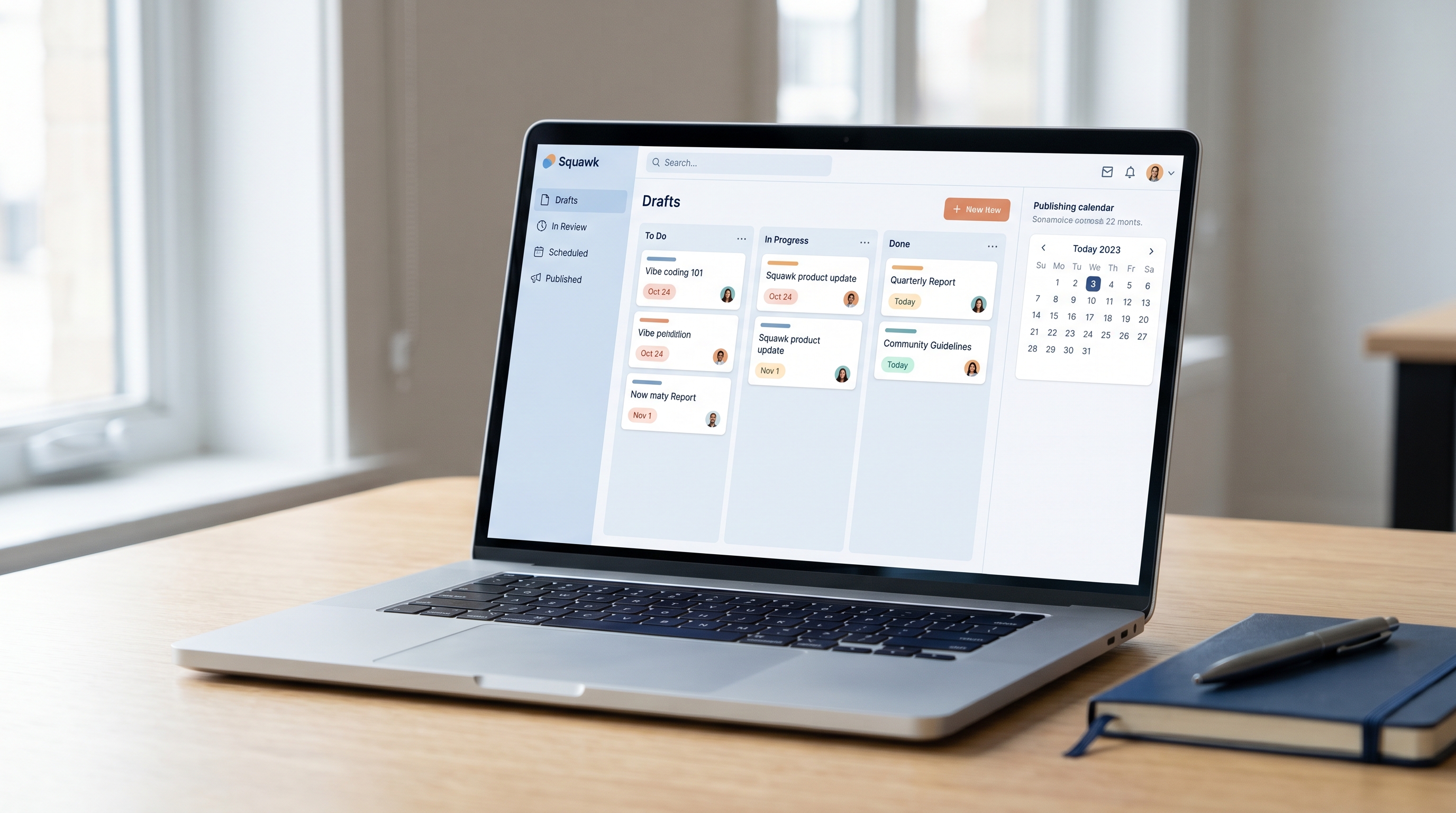
Stylized screenshot of the Squawk product UI. Content workflow dashboard, real publishing tool.

Real proof you can keep building

Squawk: vibe-coded MVP, then re-engineered

Squawk started as a Friday-night idea. Today it powers our content workflow. Same arc you'll walk: vibe code the thing, hit the wall, learn what to engineer properly. We can show you both sides.

See Squawk

Meet your instructors

Two career engineers. Custom curriculum, no playlists.

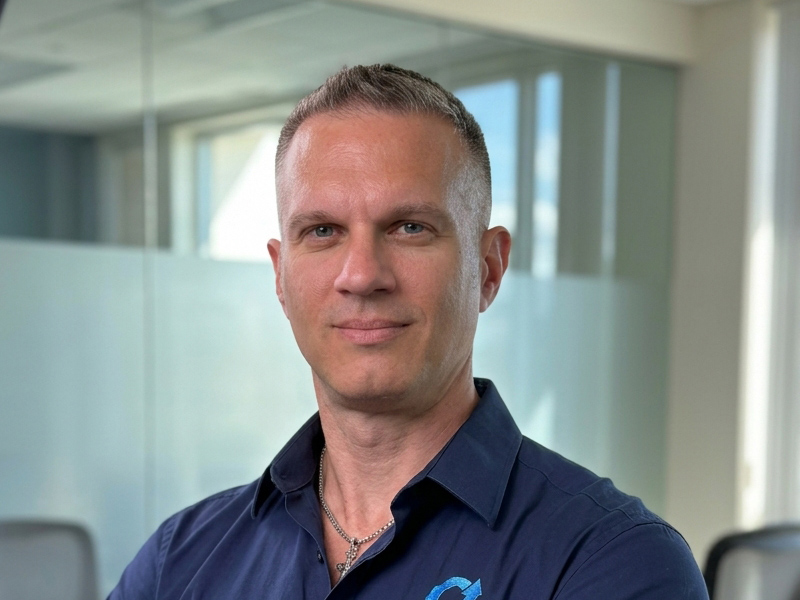
Keith Mangold

Keith Mangold

Senior Advisor · Pacific Time

25+ years building software across enterprise, healthcare, and education. Currently teaches at the university level. The "Sally the accountant" persona on this page is real. That's who Keith trains best, because that's who keeps walking up to him with friction in their week.

This week

Right now: vibe-coding Squawk v2. A content tool that ingests articles, media, and PDFs and builds an automated publishing plan.

Mike Idengren

Mike Idengren

Principal · Eastern Time

25+ years in enterprise architecture, government compliance, and AI-product engineering. Has built and shipped production systems with FedRAMP, HIPAA, and FISMA constraints. Mike runs the vibe engineering tier, the bridge from "I shipped a thing" to "my team ships things at scale."

This week

Currently building agent-driven UAT harnesses for our portfolio products.

Things you're probably wondering

The honest answers.

Sorted into the two things people actually ask: is this a fit for me, and how does it work with you.

Is this a fit?
What is vibe coding, exactly?
Vibe coding is building software by describing what you want in plain language to an AI tool, instead of writing every line of code yourself. The AI handles the syntax. You handle the ideas, the user experience, and the decisions about what to build. Tools like Cursor, Claude Code, Replit, Lovable, and Codex are popular vibe coding environments. Done well, it lets non-engineers ship real internal tools in days. Done badly, it produces brittle code nobody can maintain. Our training is about doing it well.
How do I get started with vibe coding?
Start with one specific friction in your week: a recurring report, a frustrating spreadsheet, a process that eats four hours every Monday. Pick one AI tool to start with (we help you choose between Cursor, Claude Code, Replit, Lovable, and Codex). Scope the smallest possible version that a real user could touch this week. Ship it. Iterate based on their feedback. Our $199 Kickstart session is built specifically for the "I want to start but I do not know where to start" moment.
I have never coded. Is this for me?
Yes. This is who we built it for. You will not learn computer science. You will learn to use AI tools to ship the one thing you actually want to ship. We meet you where you are, no programming background required.
Cursor, Claude Code, Replit, Lovable, Codex: which is the best vibe coding tool?
It depends on you and your project. There is no single right answer and we will not pretend there is. Cursor suits people who want a real code editor. Claude Code is great for terminal comfort and longer agentic sessions. Replit and Lovable shine for people who want web apps without local-setup friction. Codex fits if you already live inside ChatGPT. We pick together in session one based on your project, your existing tools, and what feels right in your hands.
How is this different from a $99 video course or a Skool community?
A video course gives you a playlist. A community gives you a forum. We give you the same two engineers in the call with you every week, with a curriculum built around your project. We have shipped real software for twenty-five years each, including production systems for government and healthcare. We learned vibe coding alongside the rest of the world, and we will tell you what we got wrong.
What is the difference between vibe coding and vibe engineering?
Vibe coding is one person building one thing for themselves or their immediate team. Vibe engineering is teams using AI-assisted development to ship production software at scale, with the testing harnesses, deployment patterns, and team workflow that survive contact with real users. Same philosophy, different rigor. Most students start with vibe coding. The ones leading engineering teams or running in production graduate into vibe engineering when they are ready.
How does it work?
How long does a Standard package take, end to end?
Standard runs four hours of one-on-one per week across six weeks (24 total hours). Most projects get a working v1 by week three and polish through week six. If your project needs more time, we offer 8, 12, and 24-week durations and quote them in your discovery call.
What time zones do you work? Can I be anywhere?
Fully remote, every session is a video call. Keith covers Pacific Time, Mike covers Eastern Time, both 7am to 7pm, seven days a week. We have students across all US time zones and frequently work with people overseas. We will find a slot.
How is the curriculum customized to my project?
We do not have a fixed curriculum. We use a five-step loop (scope, build, ship to users, iterate on feedback, polish) and shape every session around your specific project, your existing tools, and what your real users tell you each week. No two students walk the same path.
What if I want to stop early or change my mind?
We tell you in the discovery call exactly what cancellation looks like for the package you pick. The short version: we would rather you stop than waste money on something that is not fitting. We are not here to lock you into a contract.

One idea. One Sunday call. Let's see if we're a fit.

Fifteen minutes. No pitch deck. We'll talk through your idea, the tools you've tried, and whether a Kickstart, a Standard package, or no LSA at all is the right answer.